Skip to content
adaptivefitness.
The approachHow it worksSupport
Get the app
adaptivefitness.

A little more in tune with you.

PrivacyTerms of ServiceSupportCredits

© 2026 AdaptiveFitness. Built around you.

Fitness guidance. Not medical advice.

Coming to iPhone

Built around your body.

Your energy shifts. Your life happens. Your training should move with you.

Get the appSee how it works
Preparing your body map…

Interactive preview. Not a body scan.

Tap a muscle. Tell it how it feels.

Your coach answers right on the body. Every reply leaves a visible mark, and today’s session takes it into account.
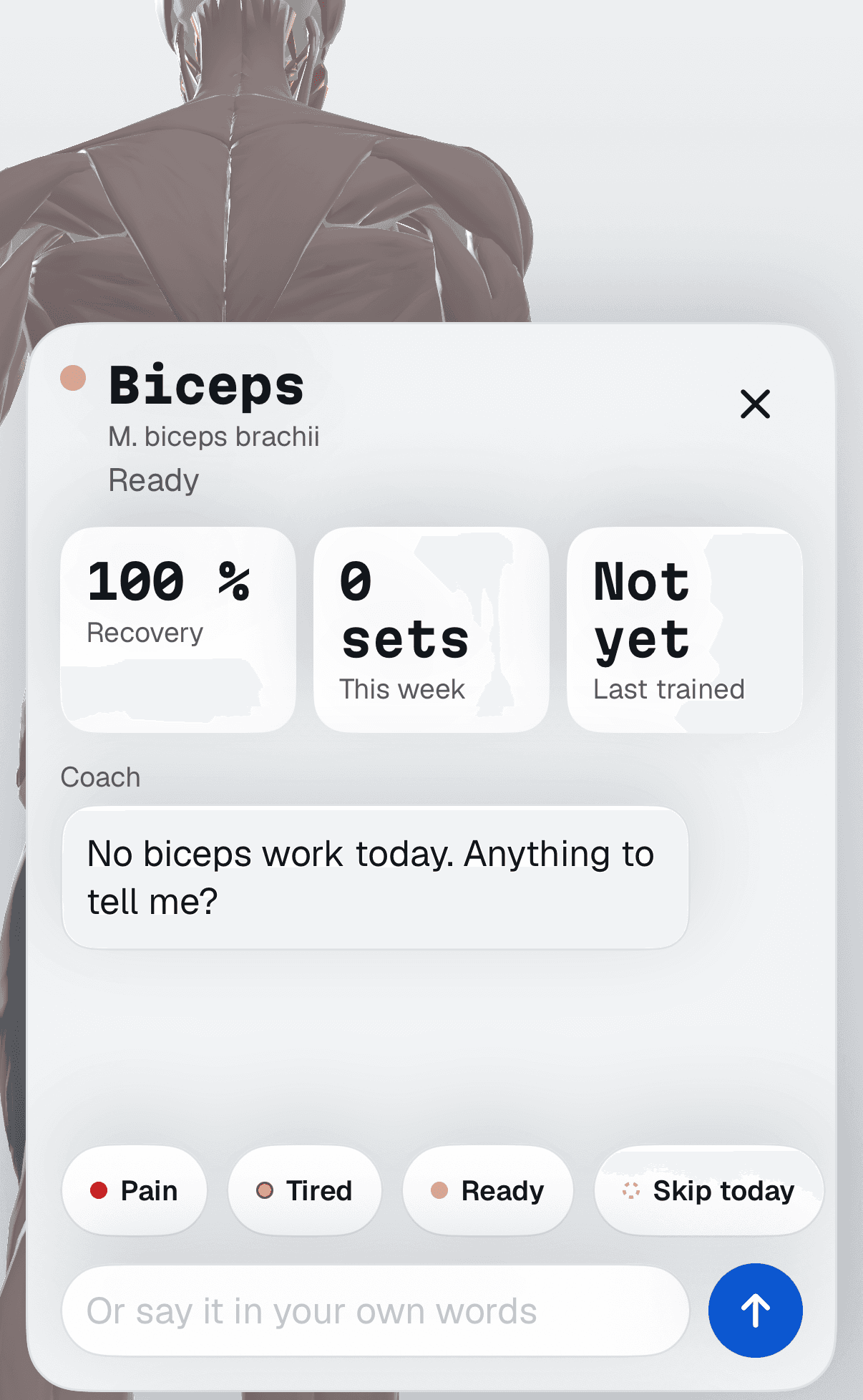
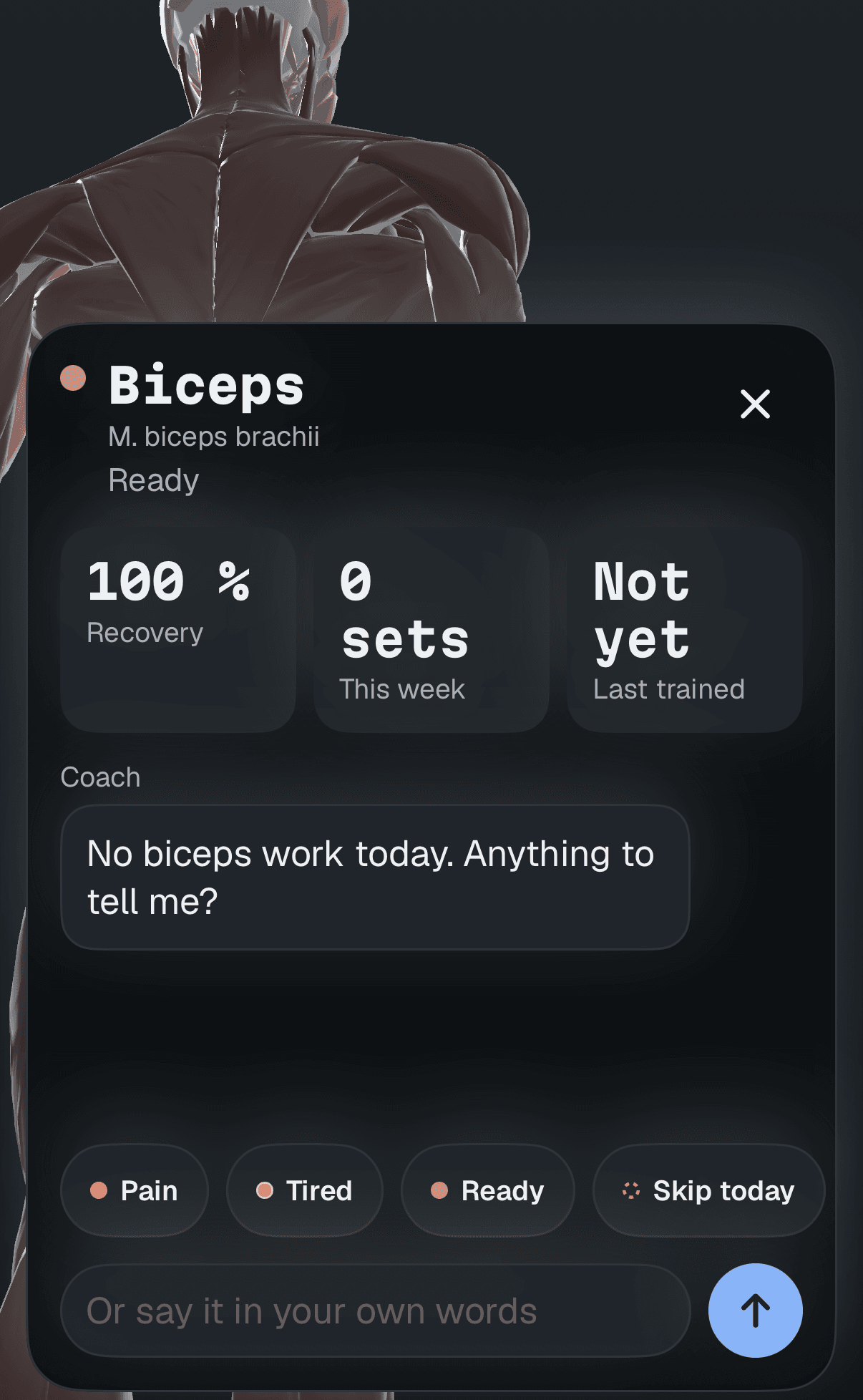
The biceps sheet in the app: recovery 100 %, 0 sets this week, and the replies Pain, Tired, Ready and Skip today.The biceps sheet in the app: recovery 100 %, 0 sets this week, and the replies Pain, Tired, Ready and Skip today.
Tap the biceps.
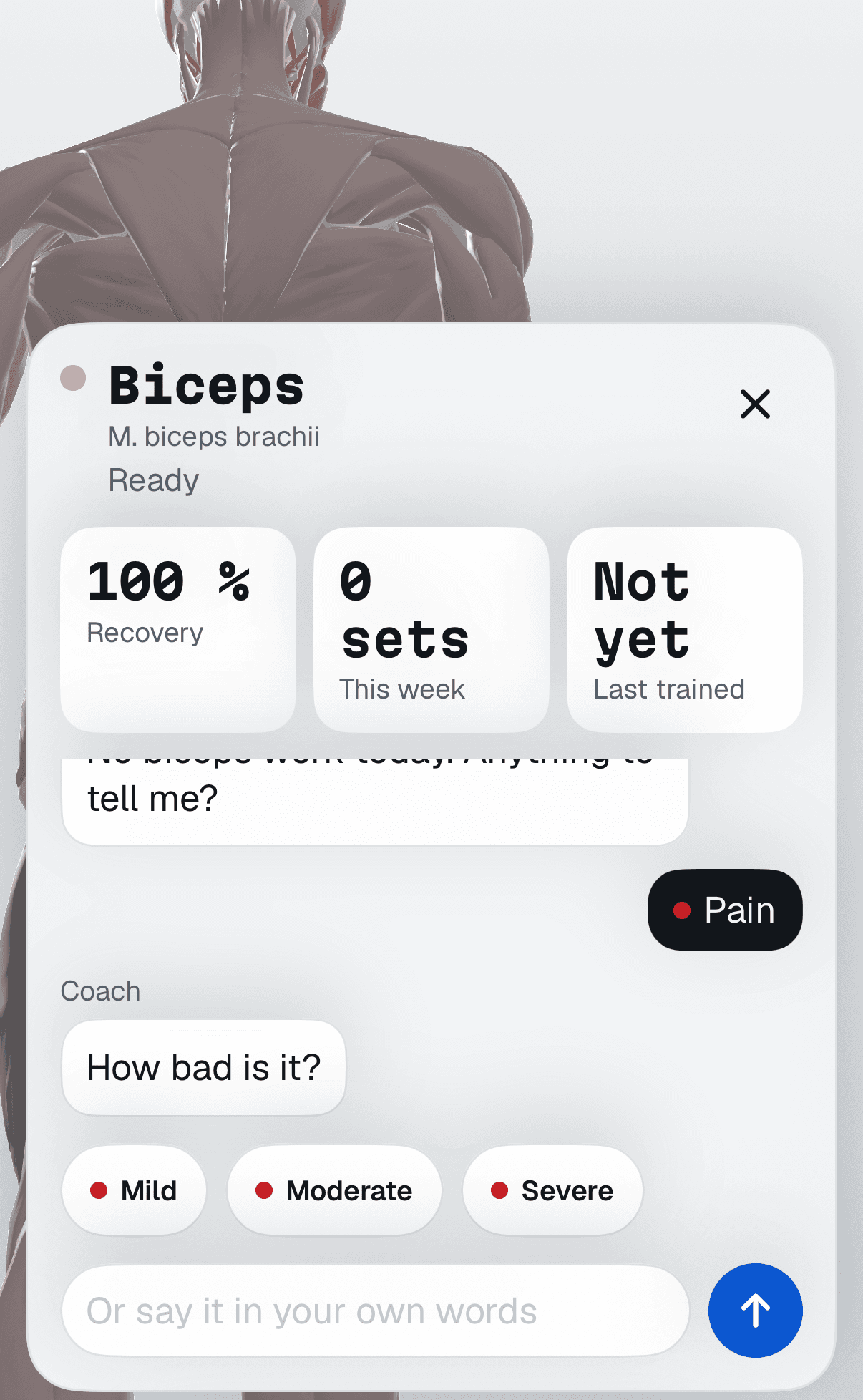
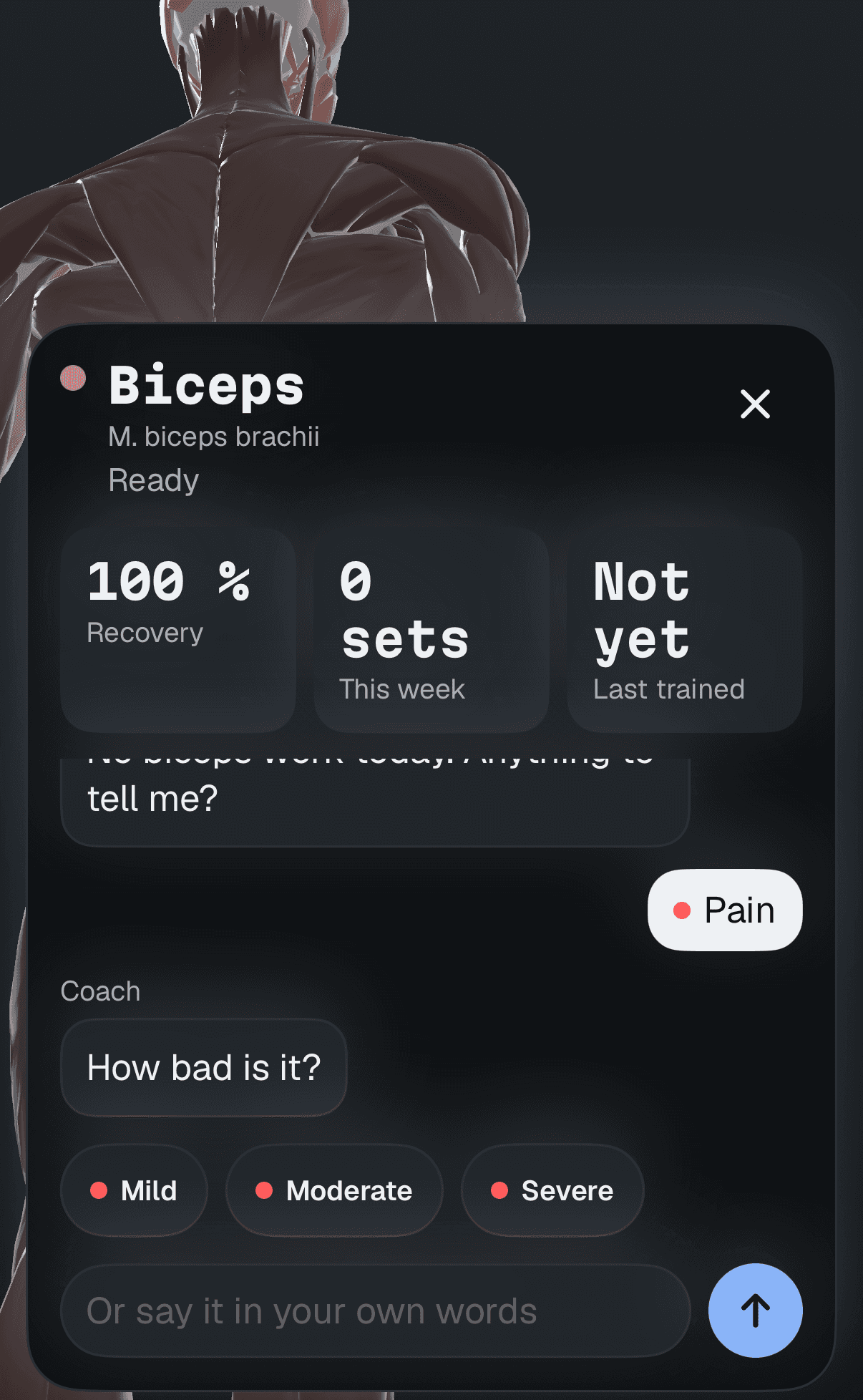
After choosing Pain, the coach asks how bad it is: Mild, Moderate or Severe.After choosing Pain, the coach asks how bad it is: Mild, Moderate or Severe.
Choose Pain. The coach asks how bad.
  • ReadyFull colour. Its work stays in today’s session.
  • TiredTurns yellow. Today’s work for it gets lighter.
  • PainTurns red. The coach asks how bad it is and works around it.
  • Skip todayFades out. Its exercises leave today’s session.

Training guidance, not a diagnosis.

Today’s body. Today’s plan.

Low energy? Short on time? That changes the plan, not the goal. Try a check-in and watch the next session respond.

How are you today?

Next sessionIllustrative plan

Build on last time.

Your full session, with room to progress.

45 minSession length
9 setsWorking sets
  • Goblet squat3 × 8-10
  • Dumbbell row3 × 10-12
  • Dumbbell press3 × 10

Your training stays on your iPhone.

Keep a clear record of the work and watch your progress take shape. It is yours, on your device.

Every set, remembered.
Your training history, ready to build on.
No account.
Your profile, plan and history live on your iPhone.
Export or delete.
Take your logged sets as CSV, or remove everything, from Settings.

Good questions. Straight answers.

How does my training plan adapt?

Your check-ins, logged sets, available equipment and schedule help shape your next session. When something changes, the coach explains the adjustment so you can see the reason behind your plan.

Do I need a gym membership?

No. Choose the equipment you have during setup. Your plan is built around that equipment, whether you train at home or in a gym.

What does the body map show?

The body map connects muscle groups to your training and the feedback you record. It is a training guide, not a scan, medical assessment or measurement of your physical recovery.

Where is my training data stored?

The current iPhone app keeps your profile, plan and workout history locally on your device. No account is required. You can export your logged sets as CSV or delete your data in Settings.

Visit the support centre

Find your rhythm.

You bring the body. We’ll bring a plan that listens.

Coming to iPhone